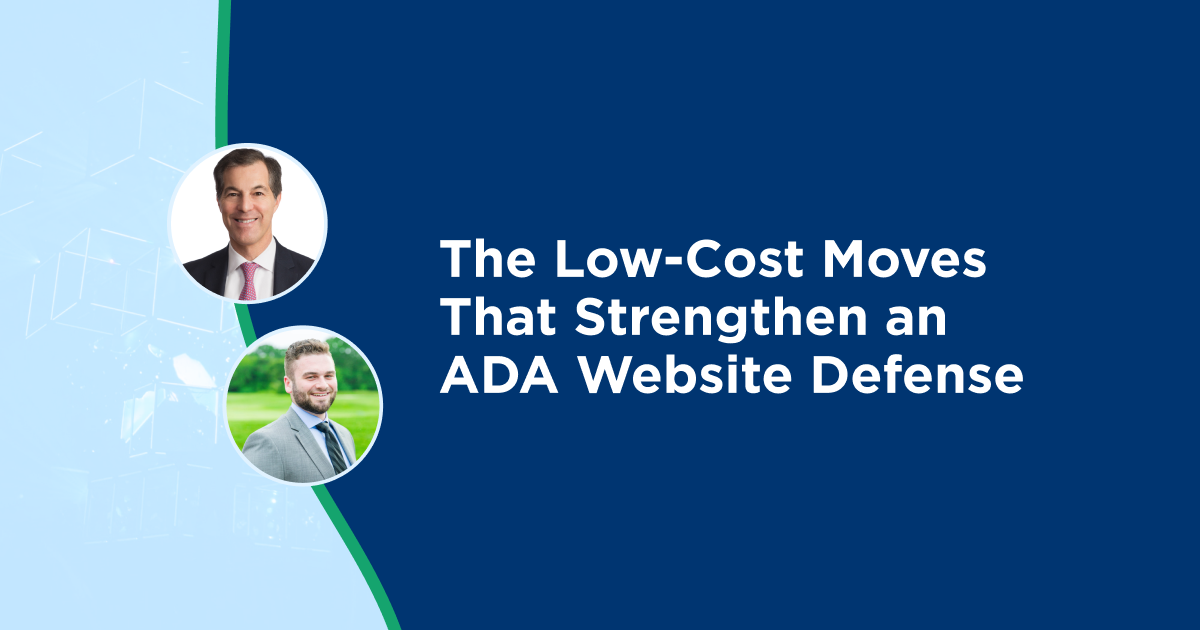
A conversation with Charles "Chuck" Marion, Partner at Blank Rome LLP, as part of the Notes from the Field series.
Most of the advice companies hear after an ADA website claim is about the expensive work: audit the site, recode it, and monitor it. All of those matter. But when I sat down with Chuck Marion, something different stood out. Some of the moves that most affect how a claim plays out cost very little, and most companies either skip them or use them out of sequence.
Chuck has spent years defending businesses against ADA Title III claims tied to websites and apps. He has seen how clients can develop and position themselves to negotiate more effectively. This post covers the practical, often-overlooked details he keeps coming back to when defending these types of claims and lawsuits for a wide variety of businesses.
Why a Busier Site, and a Widget, Can Invite More Claims
Chuck doesn't think plaintiff firms are singling out one type of company. Plaintiffs are checking sites of every size. He has noticed a pattern, though: the busier the site, the more a plaintiff can find to pick apart.
Photo carousels that rotate quickly, product ratings, videos, and other "bells and whistles" each add something that has to work with assistive technology. None of that means a company should stop marketing or building an attractive site. It means accessibility needs to be part of the design and content process, because every added feature is another potential barrier.
A big trap is accessibility widgets or overlays. These are cheaper and easier to install, and they promise to handle accessibility for you. However, Chuck has watched sites using them become more of a target.
Key takeaway: Every feature you add is another thing that has to work with a screen reader, and a widget is not a shortcut, or even an adequate solution. To the contrary, in practice, it can paint a target on your site.

Chuck explains why busier sites and widgets can attract more claims.
The First Move After a Demand Letter Is to Slow Down
When a client calls Chuck after a demand letter, his first instruction may seem counterintuitive: don't do anything knee-jerk or rash. He has had clients who, before calling him, already added a widget to the site on their own. They spent time and money, and then he has to break the news to them that what they’ve paid for and added isn't a real solution and may make them more of a target.
What he strongly recommends instead is a short pause. Give a defense attorney and an accessibility firm like UsableNet a chance to look at the actual condition of the site first, then build a strategy. While acting fast is the right instinct, acting alone – without the benefit of advice from an experienced counsel and/or accessibility consultant – is what gets companies into trouble.
If it's a demand letter and not yet a lawsuit, Chuck asks the business to investigate, with its own IT team or an outside consultant, how quickly the flagged issues can be fixed. Resolving them promptly could moot the claim, because the company has already provided the relief the person was seeking. Even when it doesn't fully moot the claim, it tends to lower settlement costs.
Key takeaway: The urge to move quickly after a demand letter is correct. However, the urge to move on your own, before fully assessing the site and the plaintiff’s claims, may backfire.

Chuck walks through what to do, and what not to do, the day a demand letter arrives.
The Accessibility Statement: Most Companies Underuse
Chuck recommends adding an accessibility statement to the site with a way to reach a real person, ideally via a phone number and an email address, so a visitor who hits a barrier can ask for and receive help.
He's candid that the statement is not a complete legal defense on its own.
Chuck has used the existence of that statement and contact method in settlement negotiations, telling the other side that their client could have called the number or sent a note and been promptly and properly helped. He's done this in several cases. It doesn't win the matter outright, but it can lower the ultimate settlement amount and shorten the fight. And if you do settle and agree to bring the site into compliance, be sure to follow through, because more and more plaintiffs and their lawyers are coming back to check.
Key takeaway: A staffed contact line won't decide the case by itself, but used well it becomes a negotiating fact that can reduce a settlement and speed up resolution.

Chuck explains how an accessibility statement can work as a settlement lever.
Why an Outside Set of Eyes Changes the Outcome
Even companies with capable internal teams benefit from an independent review and assessment, and Chuck's reasoning is practical. An outside party can tell you whether the claims against you are even valid before you spend money responding to them.
He shared one example. A client using UsableNet’s Assistive Managed Service faced a lawsuit with several separate claims about why the site was inaccessible. When UsableNet looked at it, the fix was simple: there was an "Enable Accessibility" link that would have enabled the solution, and using it with a screen reader would have addressed most, if not all, of the issues identified by the plaintiff.
Outside consultants also tend to know the wider landscape: the range of screen readers in use, the issues that recur, and the “serial” plaintiffs and patterns behind their filings. I've always compared it to being asked to grade your own homework in school. You never scrutinize your own work the way the teacher does. A fresh, expert viewpoint helps your team understand why something is an issue and the various ways to fix it.
Key takeaway: Your internal team knows your site. An outside expert knows the bigger picture, including litigation trends. Strengthening your position usually requires both views.

Chuck shares why an independent review changes how a claim resolves.
The Law Is Still Gray, So Build for the Real Risk
Chuck is direct about the legal backdrop: the law here is still gray and evolving, and different jurisdictions expect and require different things.
Until that clarity arrives, he shows companies where the risk actually is. In his experience, most website accessibility claims he sees come from blind individuals saying the site isn't compatible with their screen reader software.
That tells you what to prioritize. Make sure the obvious, most visited parts of your business’s website work with a screen reader, including the checkout process, the store locator, and other links people actually and frequently click, then maintain accessibility as the website changes over time. Chuck's advice is to pair frequent automated scans with annual or semi-annual manual audits for exactly that reason.
Key takeaway: You can't wait for the law to settle. Build accessibility into the journeys plaintiffs test, and keep checking as the site changes.

Chuck on the legal landscape and where these claims really originate.
Closing
The thread running through Chuck's advice is that companies often weaken their own position with rushed, solo decisions, while the cheapest protections are the ones they overlook. A staffed accessibility statement, an independent review before you react, building accessibility into design instead of adding a widget, and following through on what you agreed to do when you settled a claim or lawsuit.
Explore more insights in my Notes from the Field series.
If you're weighing how to move from reactive fixes to a more sustainable approach, including real screen reader testing on the journeys that typically draw claims, we're happy to share what that looks like in practice. Speak with an accessibility expert.
Editor's note: This post is based on a conversation with Charles "Chuck" Marion, Partner at Blank Rome LLP, as part of the Notes from the Field series. Content reflects his professional perspective. It does not constitute legal advice.